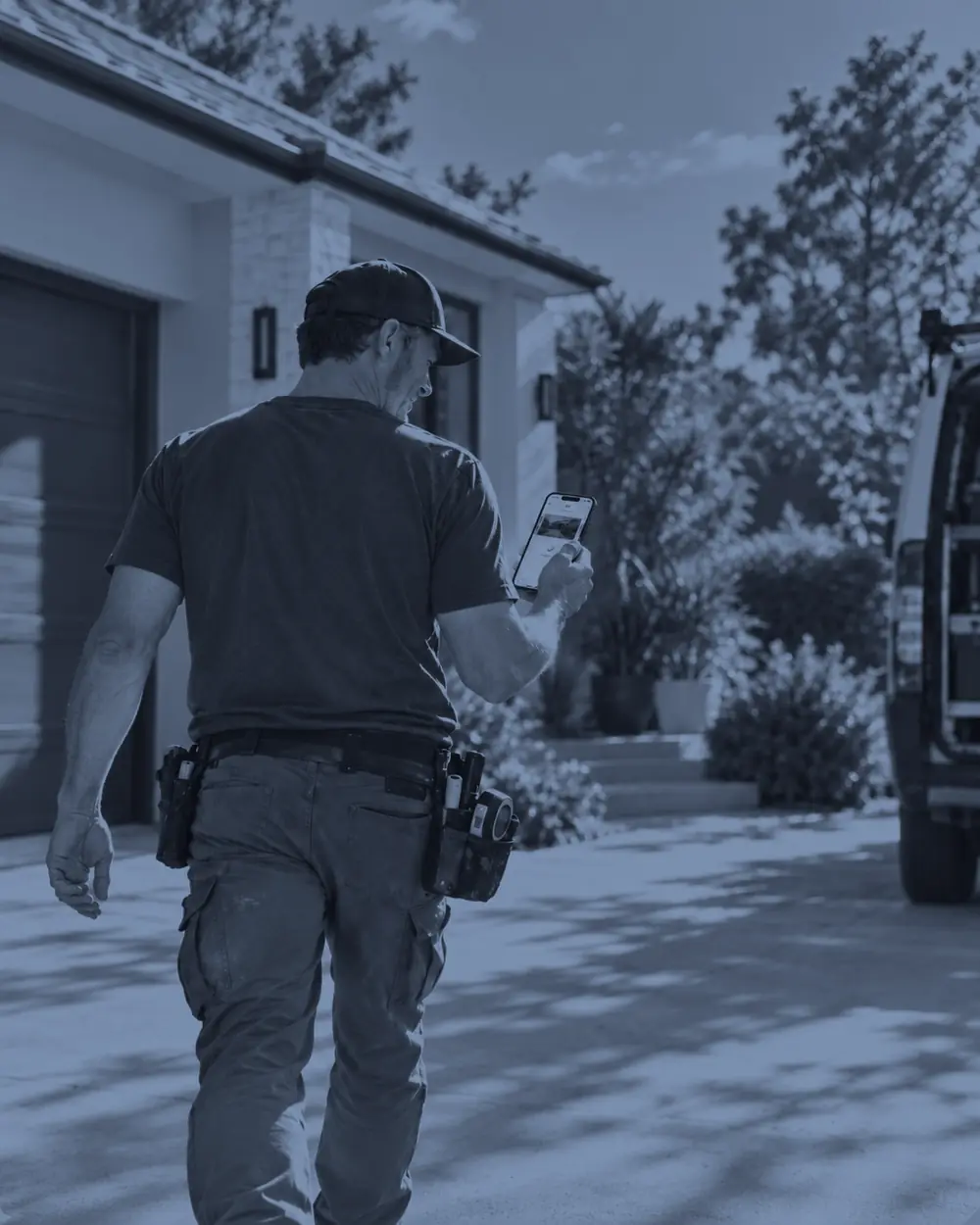
Stop guessing.
Start working like a Pro.
The NextPros app. Your whole job, handled.
You're running a business out of your head and a notes app.

You're home, showered, done. Then the spreadsheet: today's jobs, tomorrow's times, that new customer's number. Half of it you type from memory. The other half you'll fix later.

The quote you gave Tuesday is a guess by Friday. The customer remembers the number you said in their kitchen. You remember three jobs that all had faucets.

Tonight becomes Thursday. Thursday becomes "after this next job." The customer was ready to pay the day you finished. Three days later, they're waiting on you.
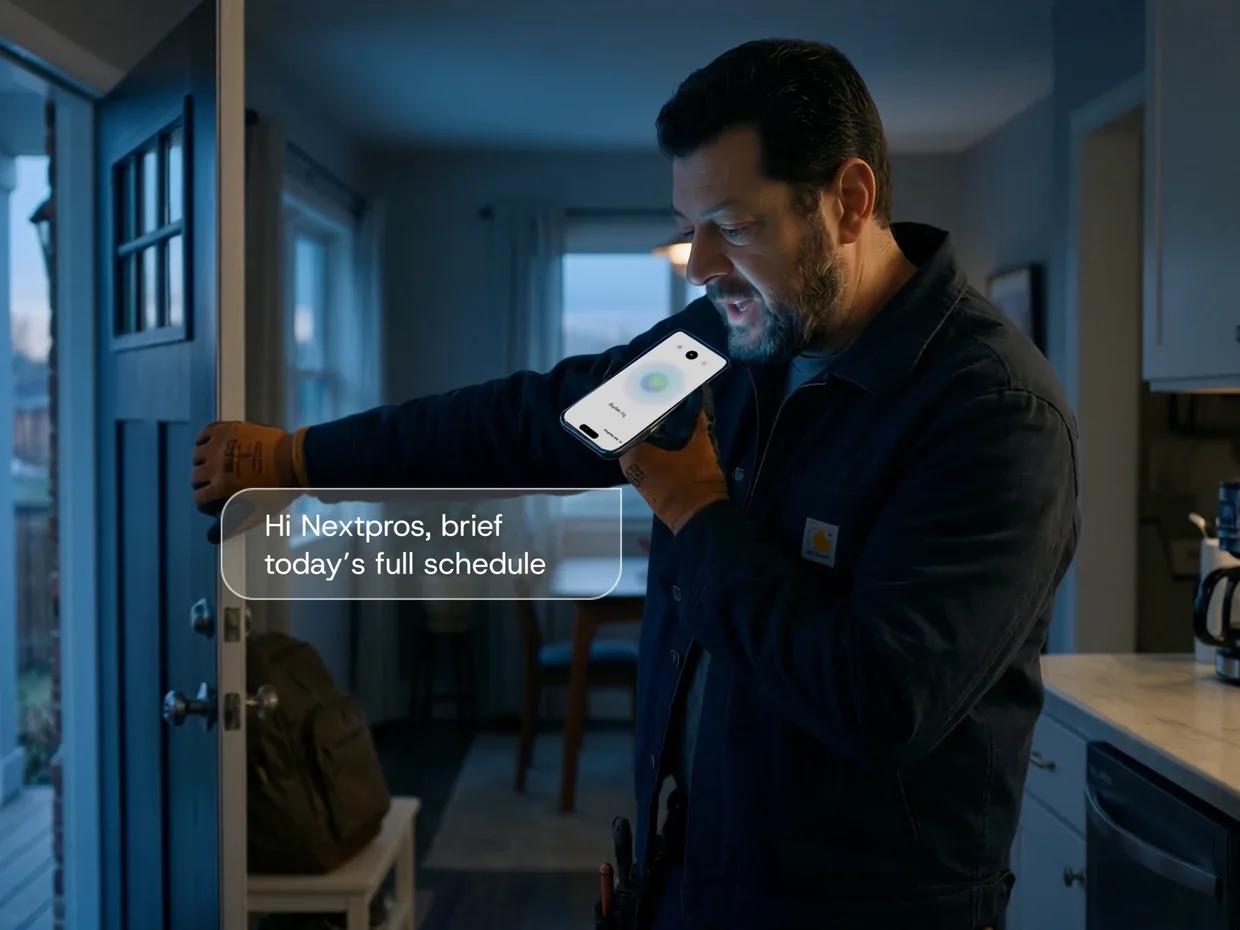
Just say it.
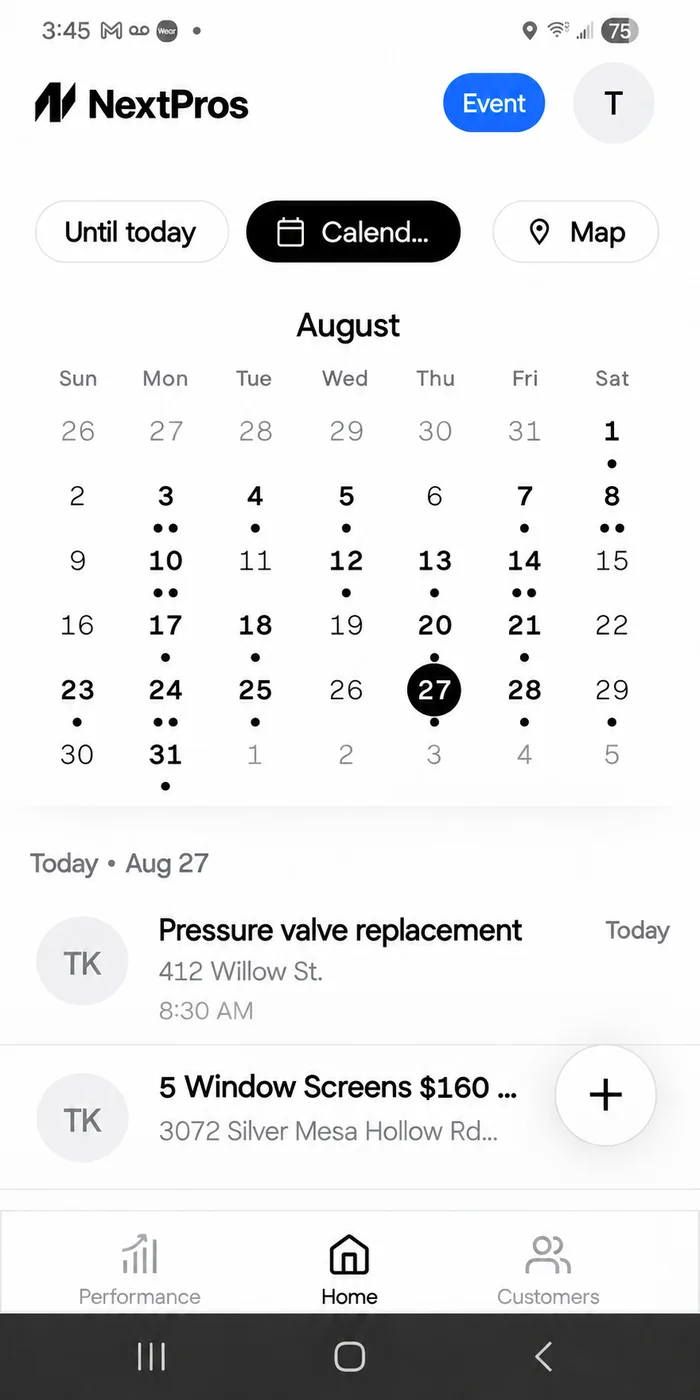
It comes back scheduled.
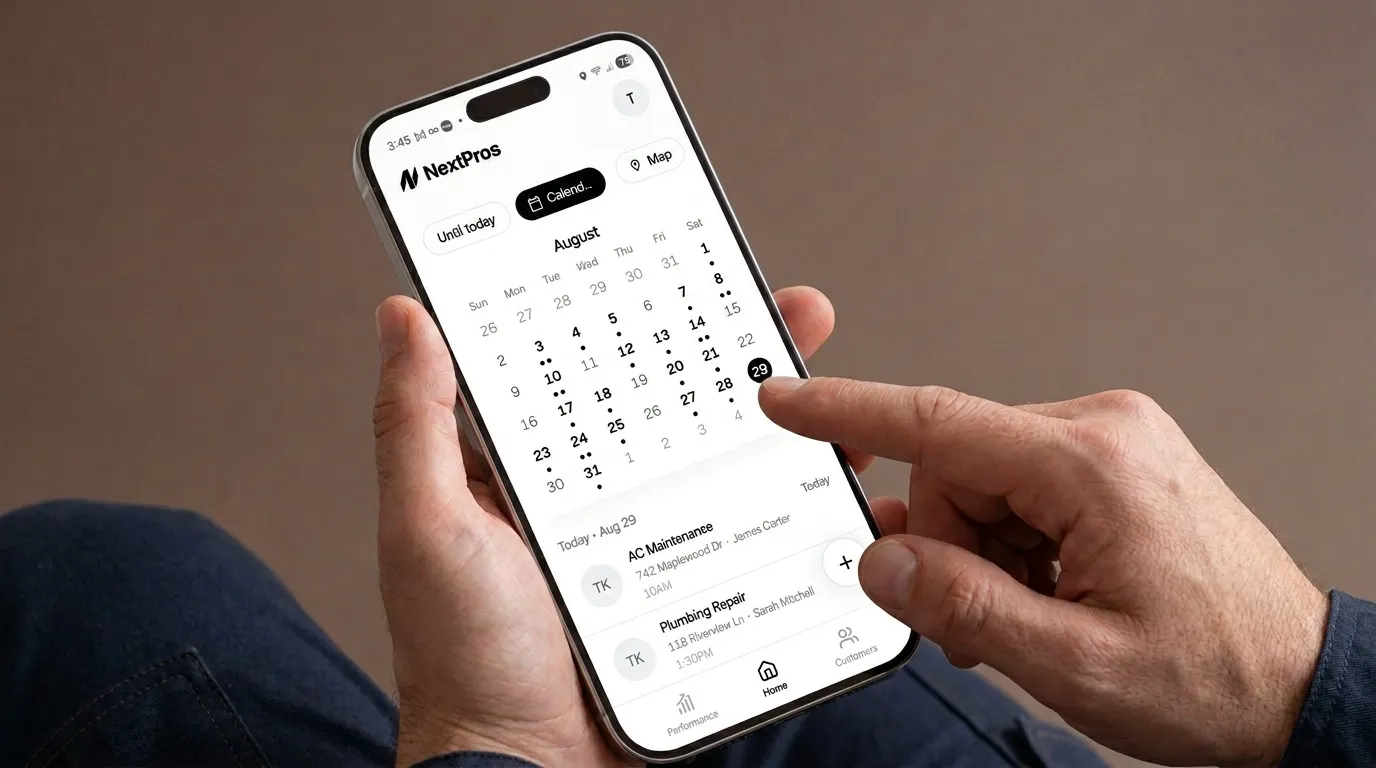
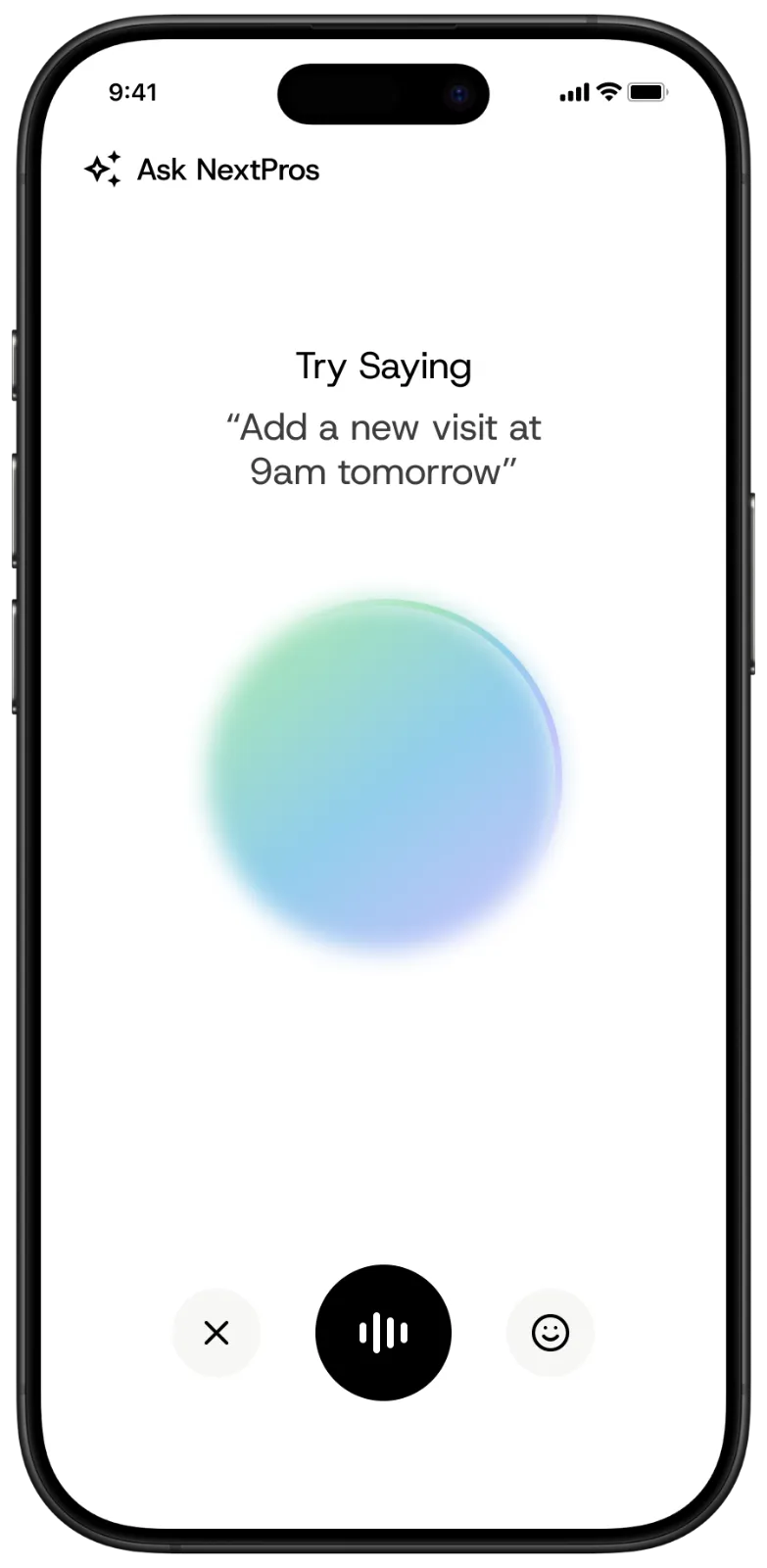
Driving between stops, up a ladder, gloves on — just tell NextPros AI about the job. It turns what you say into a scheduled job on your calendar, keeps every detail you mentioned, and reminds you before it starts.
Screenshot the chat. It becomes a job.
Customers reach you everywhere — your personal phone, a marketplace app, a neighborhood group. Send NextPros AI the screenshot and it writes up the job: what the work is, where it is, and when you said you would be there.
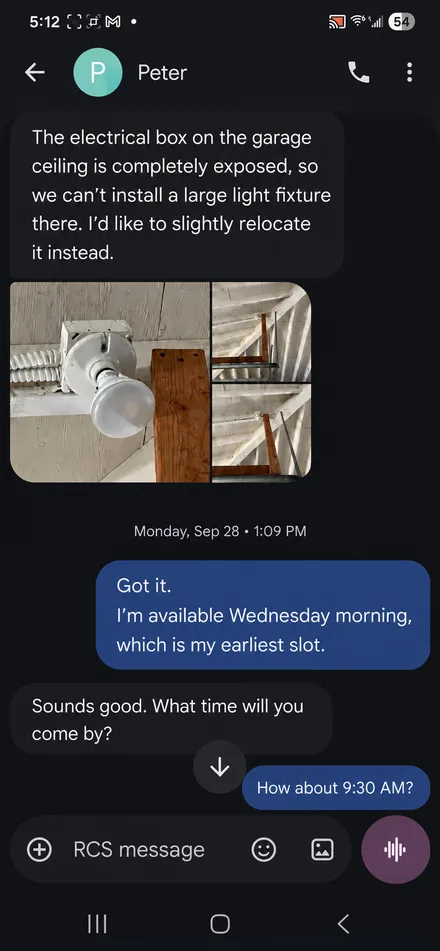 Reading the screenshot…
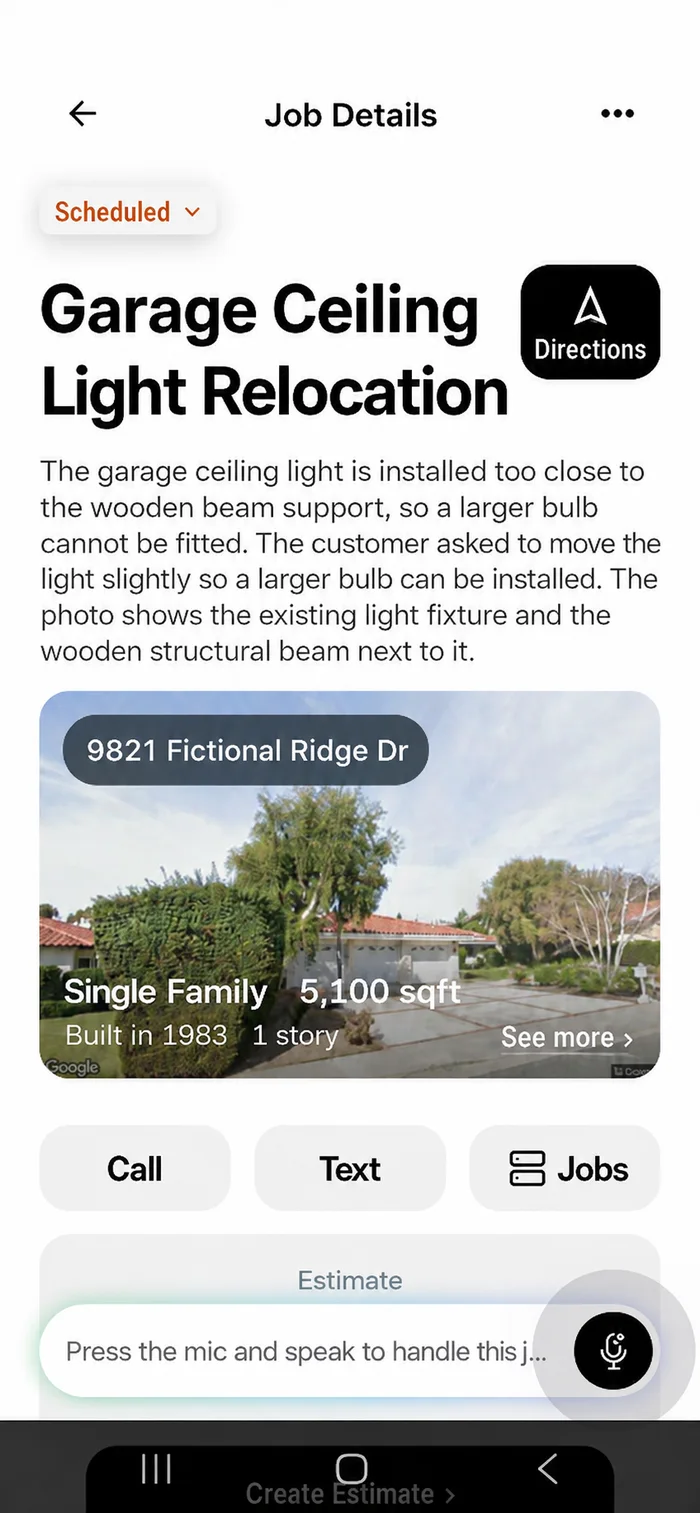 Job created
Snap the receipt. Send the invoice.
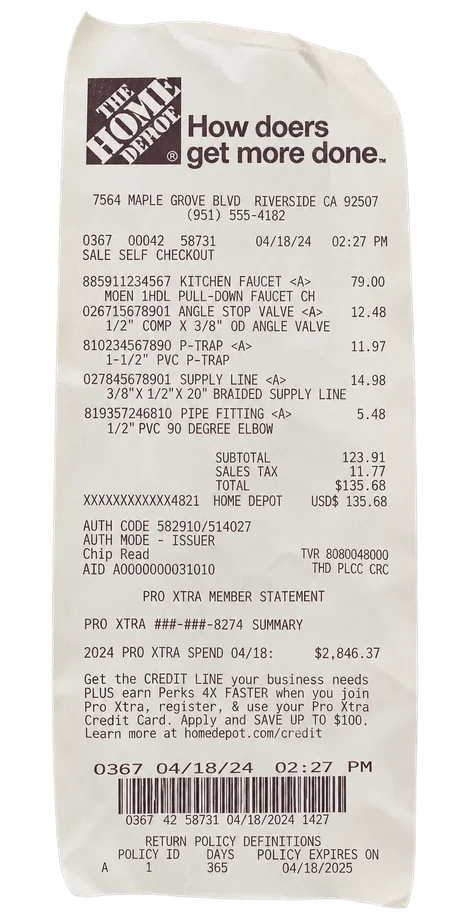
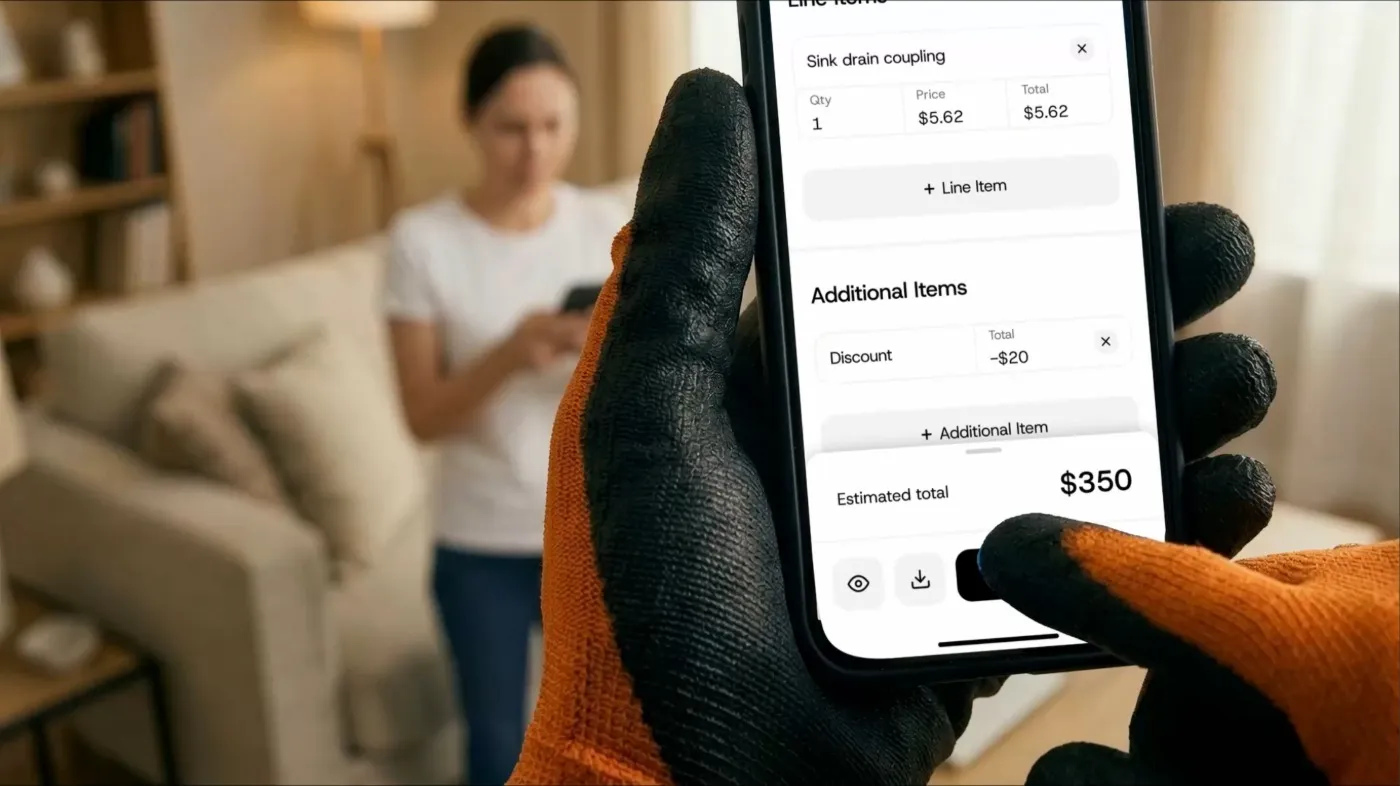
One photo of the parts receipt is enough. NextPros AI reads every line, adds your labor, and has an editable invoice ready before you pull out of the driveway.
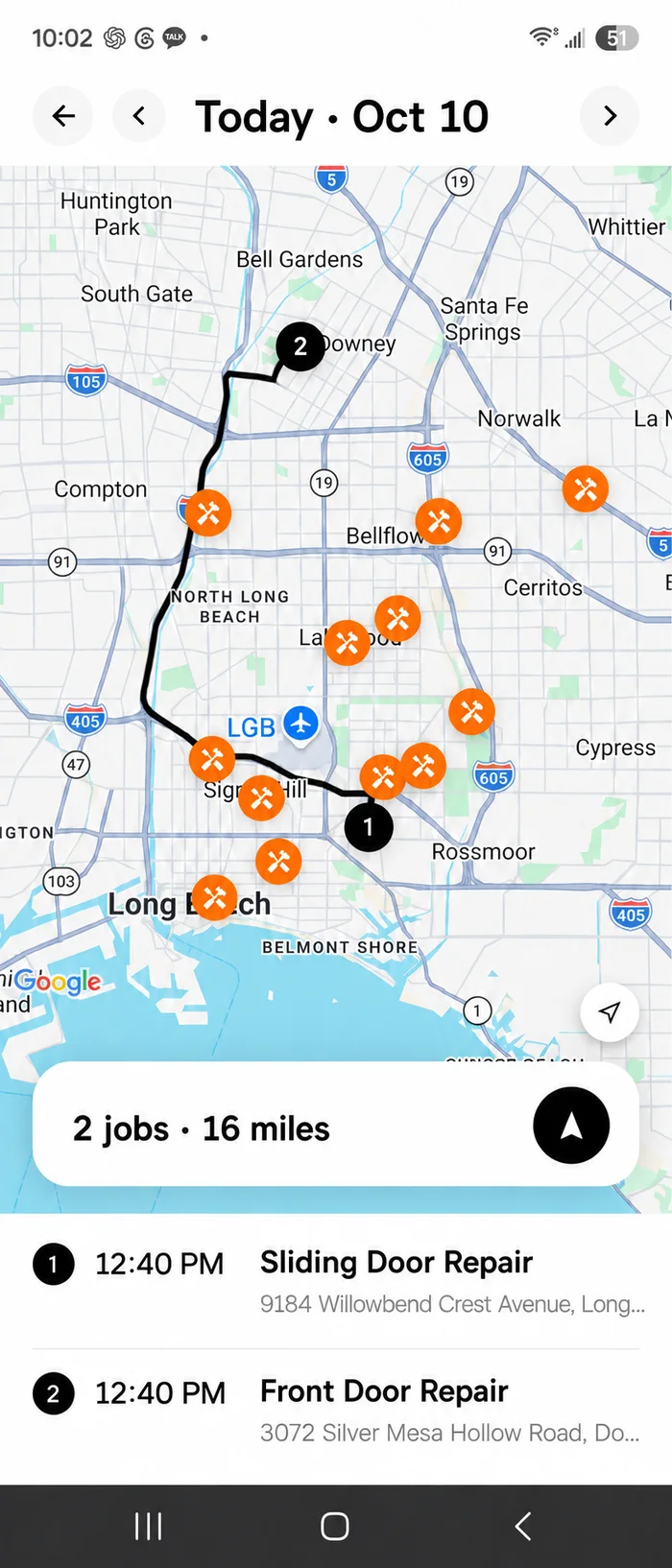
Your day is already mapped.
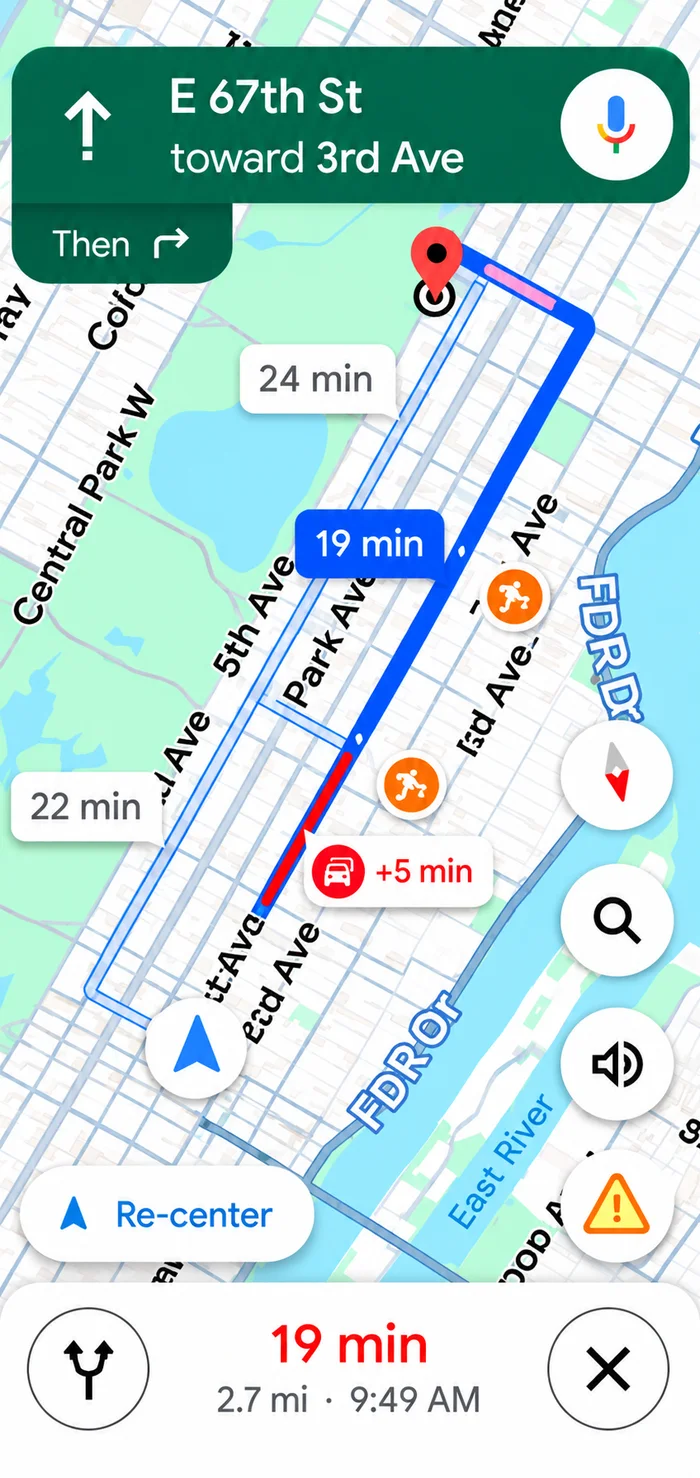
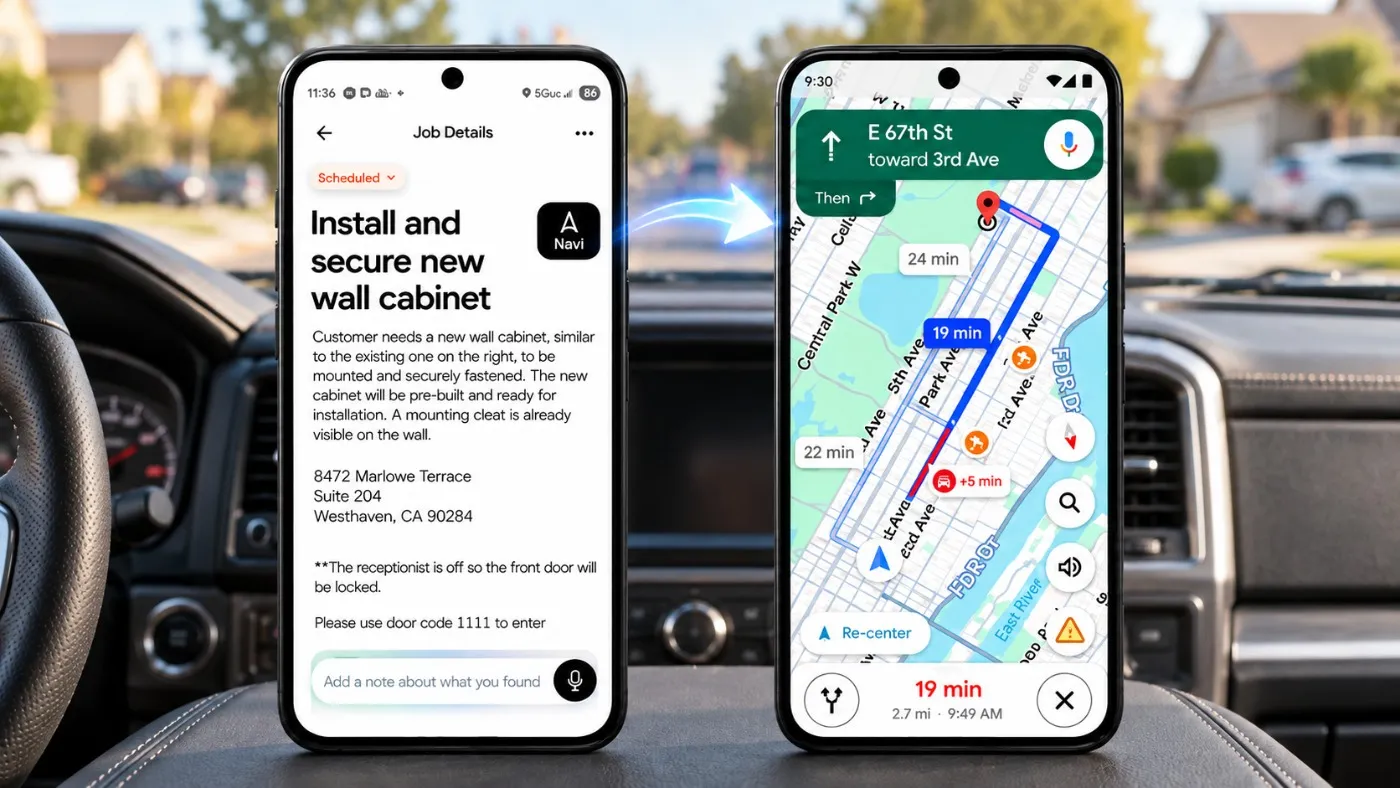
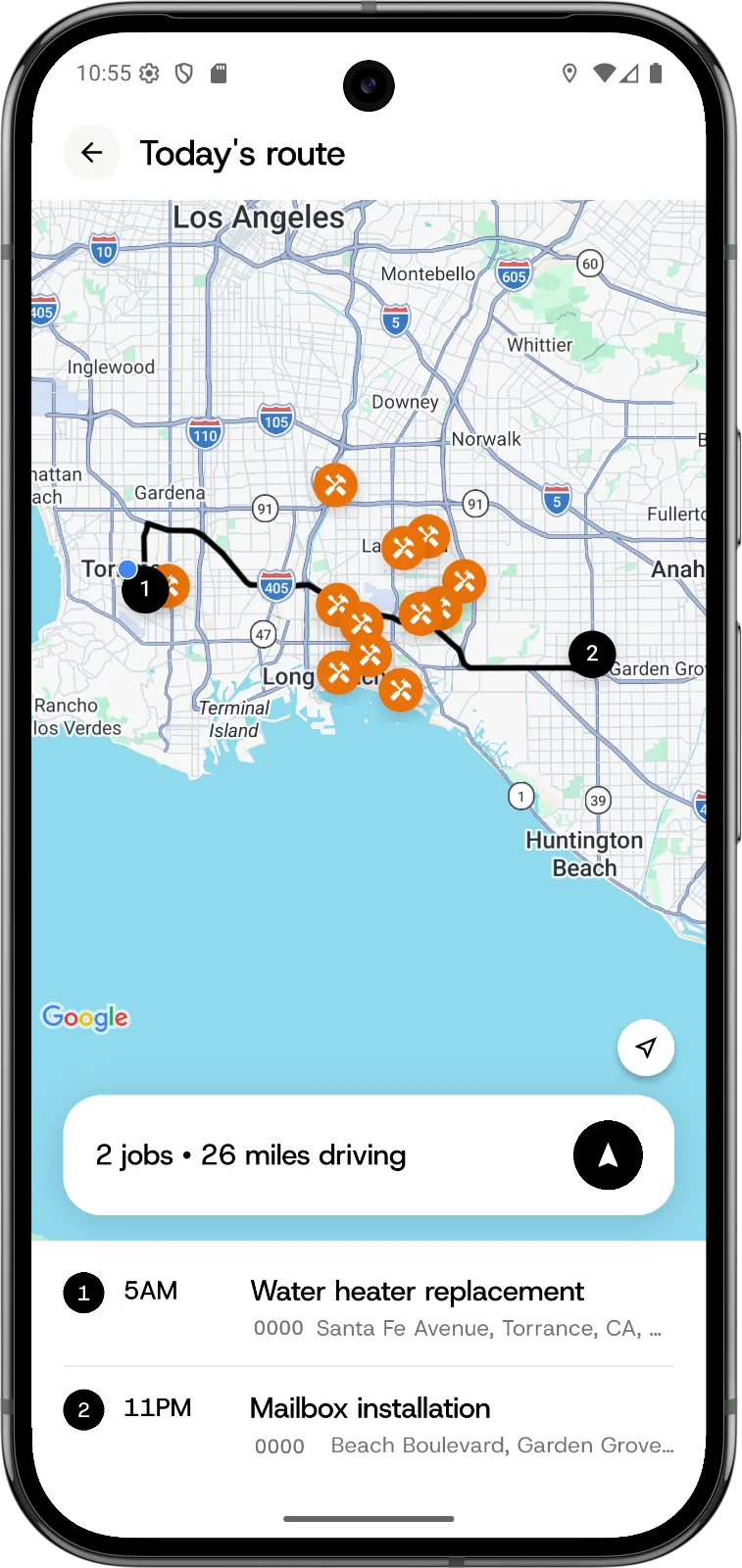
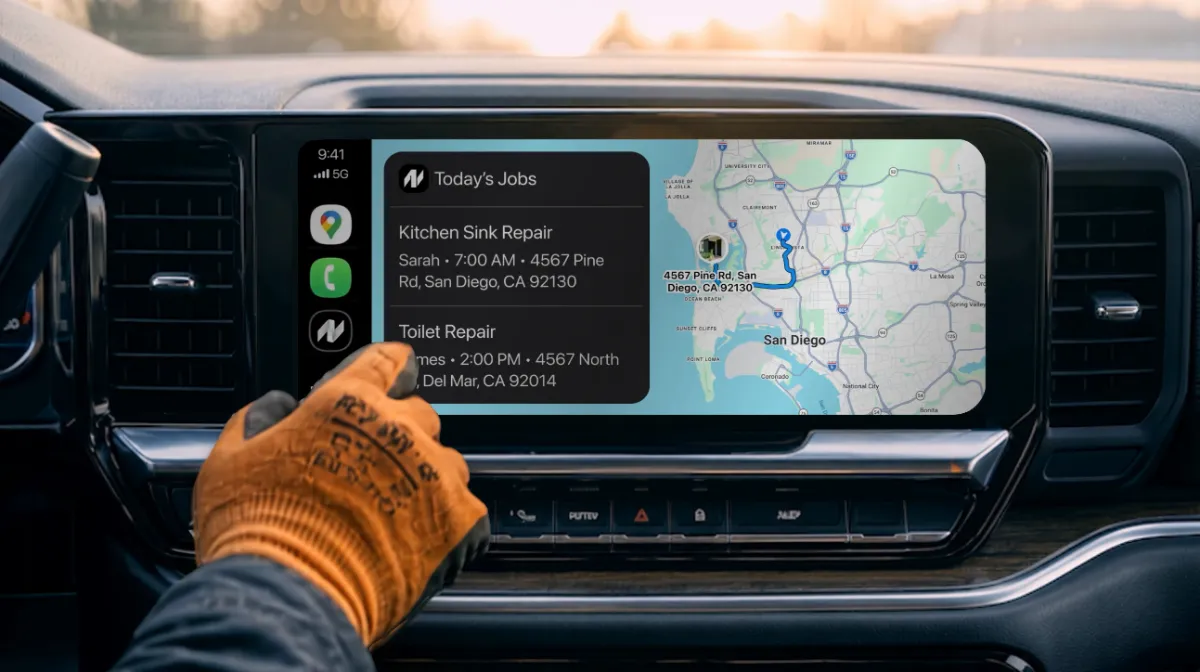
Today's jobs come up in route order with the miles between them, so you can see the whole run before you turn the key. Tap one and navigation starts — no copying an address from one app to another.
And more…
Estimates, customer history, property details, job photos, performance reports and service reports — all in the same place, all from a text, a tap or a few words out loud.
Send it any way you like.
NextPros AI reads it once and turns it into everything that comes after.
“Mike, Thursday 9am, sink leak.”
Snap the receipt, the part, or the panel.
Hands full? Say it on the drive over.
Every job on the calendar, in the right order.
A nudge the night before, so nothing is missed.
One tap from the job to the driveway.
Built from a receipt photo, ready to send.
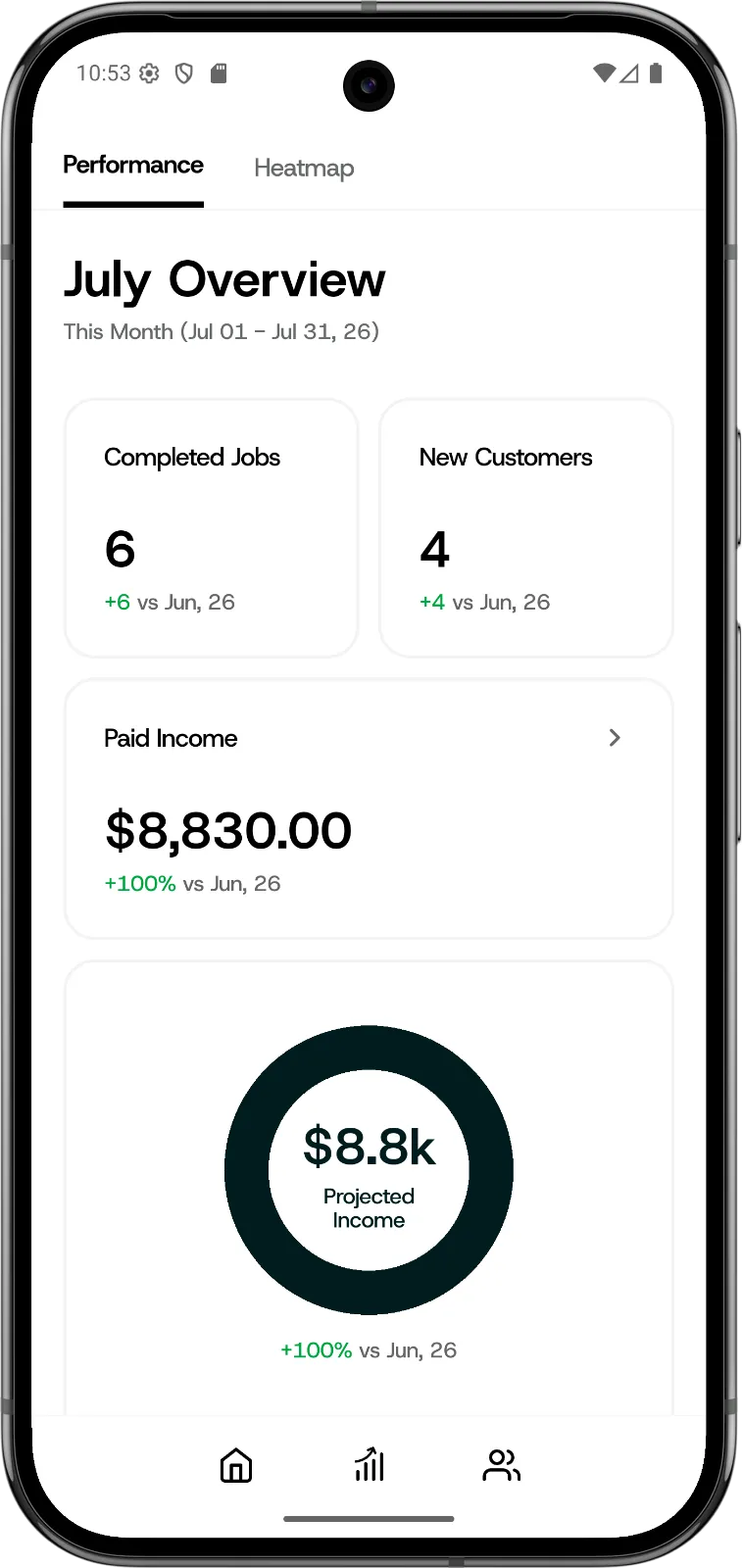
Your week added up, without the bookkeeping.
What to line up next, and what you are forgetting.
One app. ALL-IN-ONE.
Schedule, invoice, navigate, get paid and keep every customer — everything you need to run the job, in one app.
- Scan a text thread → new job
- Customer list
- Scan a receipt → invoice
- Job list
- Schedule reminders
- Import customers from Contacts
- AI-written customer texts
- Job site details
- Service reports for customers
Built for Home Service
Business Owners
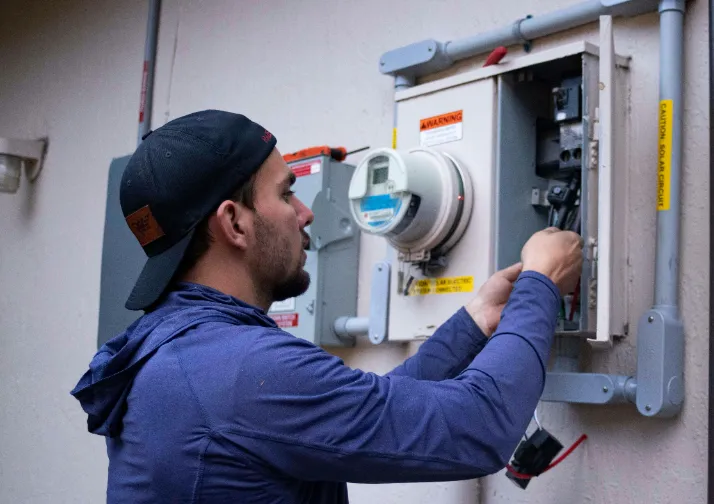

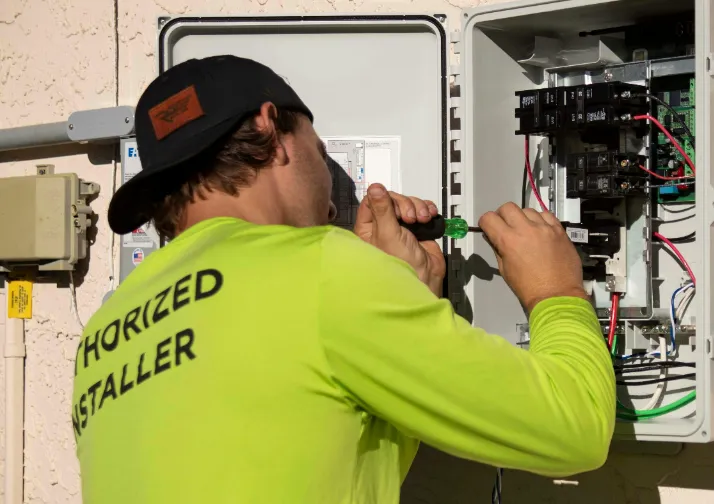
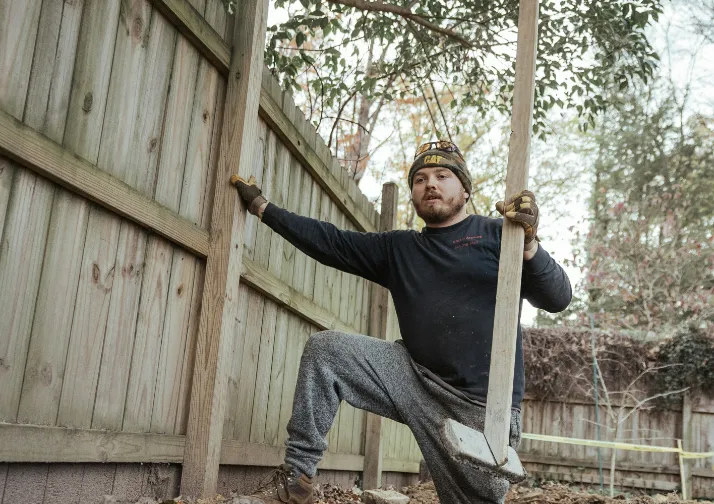
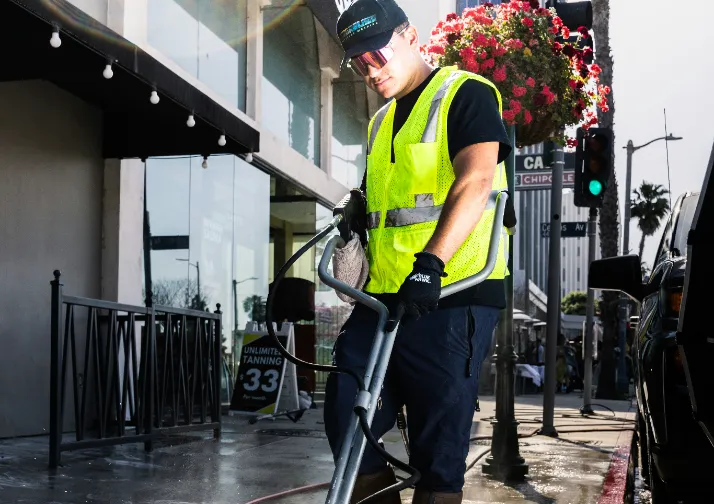
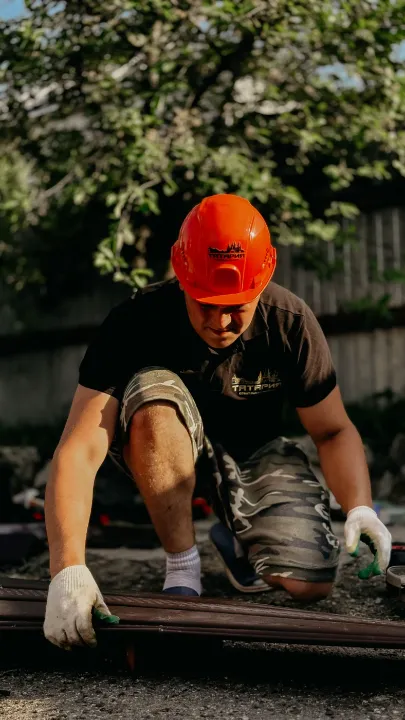
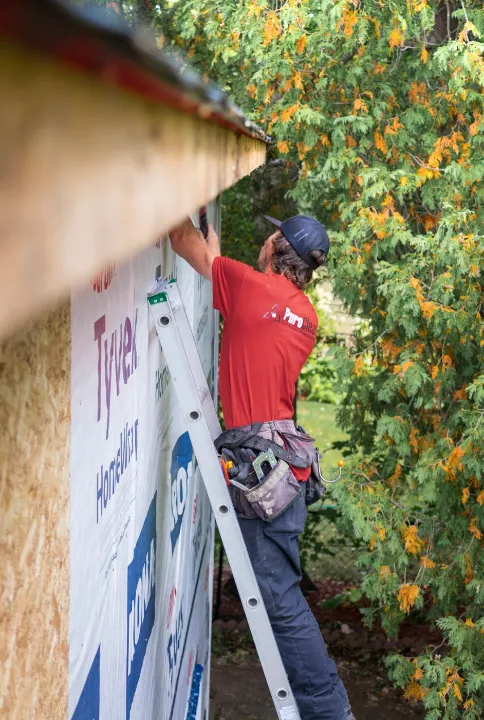
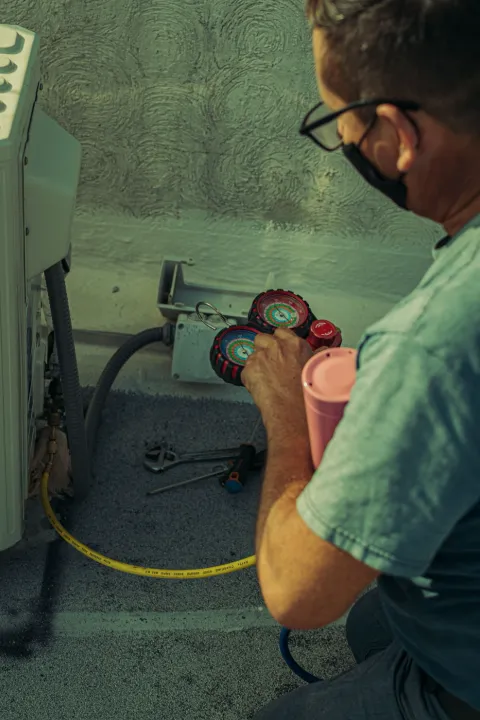
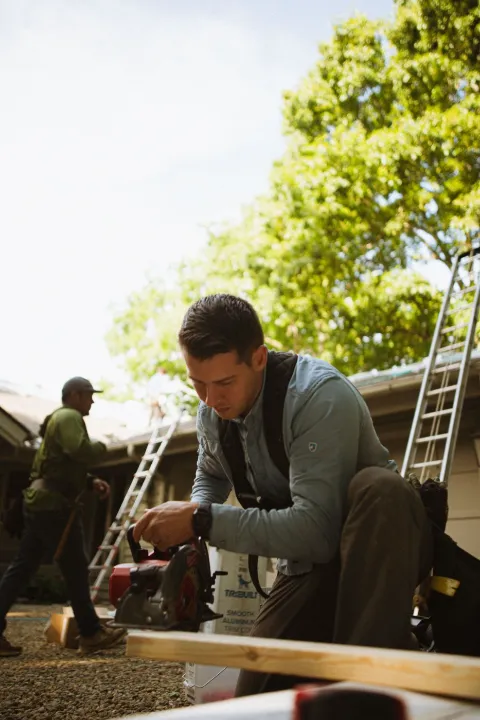

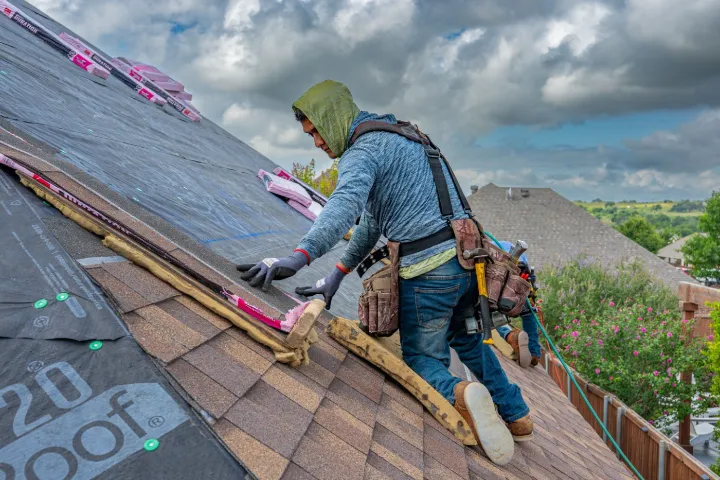

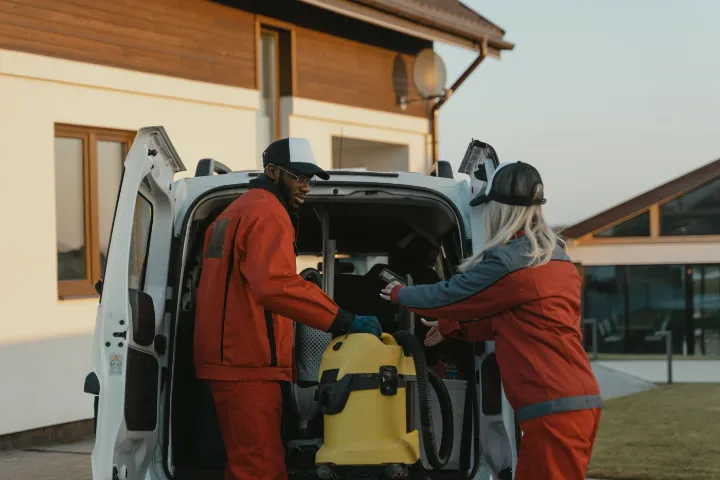
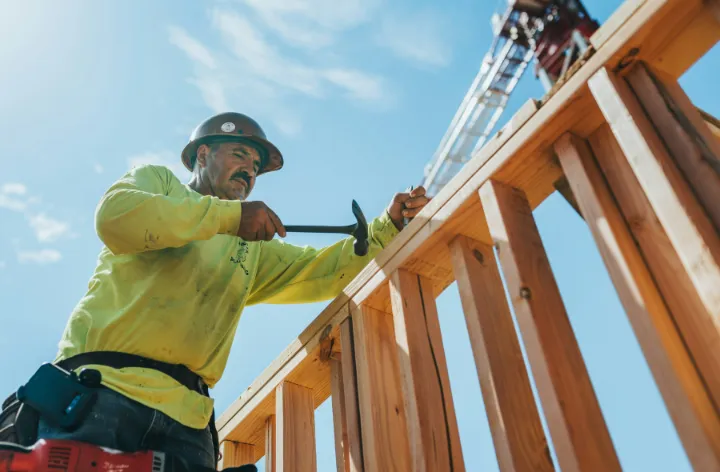

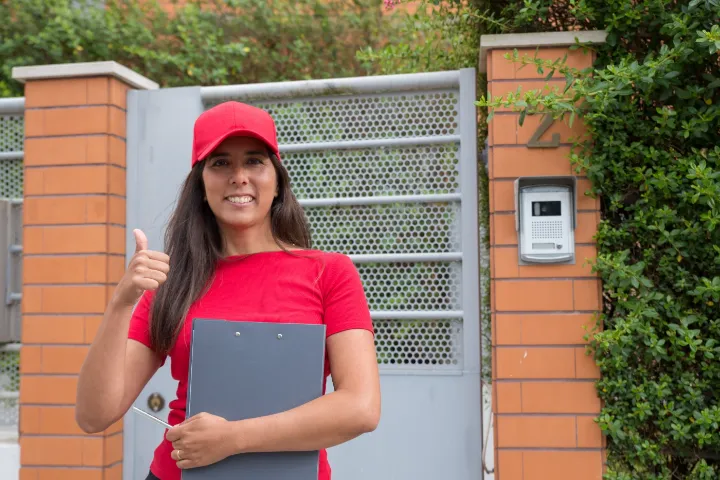

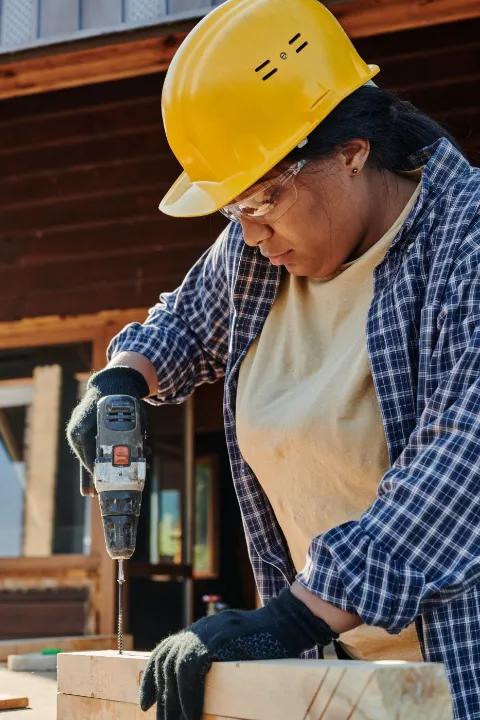
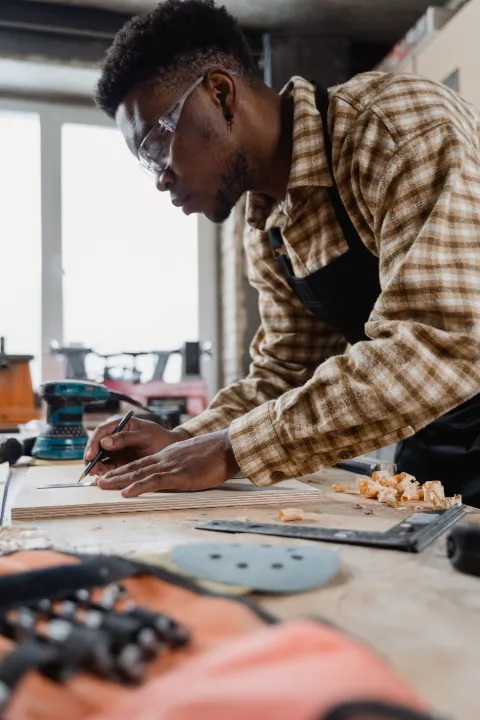
Save time, earn more, run your biz better.
Showing up prepared, reporting clearly, and invoicing the same day: that's what customers tell their neighbors about.
"I don't worry about forgetting a job anymore. I head out every morning knowing exactly what's ahead."

More jobs. Zero misses. Better reputation.
Simple Pricing
Do good work. Keep the customer. The year's paid for.
Solo Plan
For solo contractors and owner-operators managing their own business.
- Mobile app with limited features (calendar, customers)
- AI over text
- 100 SMS per month (unlimited incoming)
- Automatic job reminders
- AI text in the app
- CarPlay and Android Auto
- Smartwatch support
Solo Pro Plan
RecommendedFor solo pros who text all day and want richer job detail and sharper reporting.
- Full features in the mobile app
- 300 SMS per month (unlimited incoming)
- AI text + Voice AI in the app
- Attach videos to a job
- Automatic property details
- Customizable invoice design
- Scan a receipt to auto-fill your invoice
- Scan to add a job or a customer
- Advanced performance tracking
- Job route map
- Job heat map (coming soon)
Download now. Decide later.
The Future of
Physical Work
Making physical work smarter, easier, and more connected.
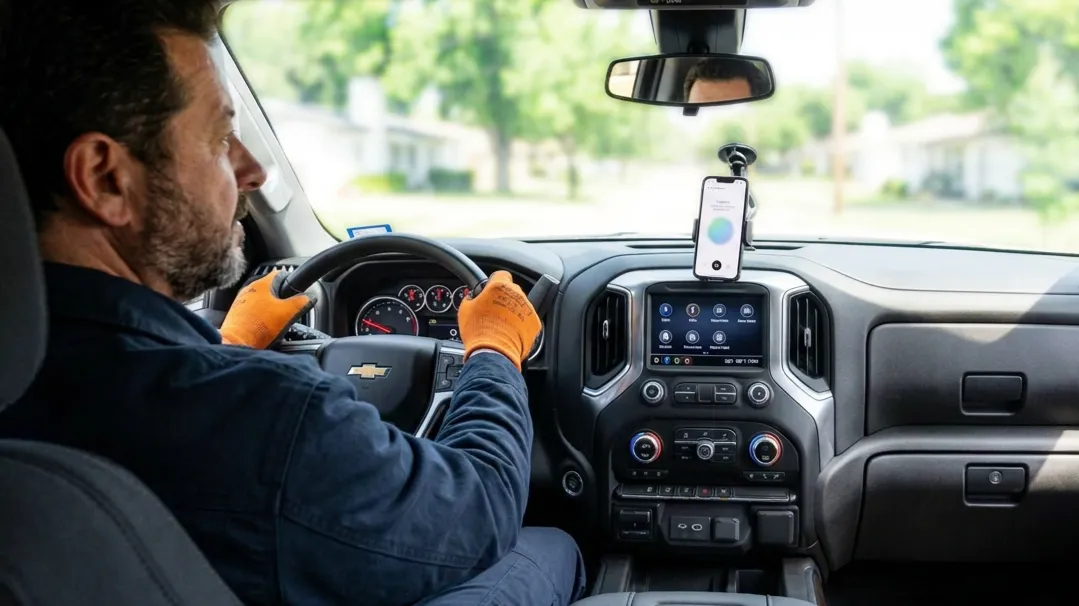
Because physical work still runs on fragmented systems
From homes to commercial buildings, the work of building, maintaining, and improving physical environments still depends on disconnected tools, manual coordination, and outdated workflows.
Handiers is building technology that makes physical work simpler, safer, and more connected.
What Handiers Builds
AI agent for Home Service Pros
Try NextProsBeyond software.
Toward intelligent physical work.
We believe the future of physical work will move beyond screens, toward AI-native systems, wearable interfaces, and robotics that make work more intelligent, responsive, and connected.
Founded by a working handyman
Handiers Inc. was founded in 2024 by a working handyman. Since day one, we've been building software and AI that help tradespeople, home service pros, and field workers run their work and their business.